24 lines
1.8 KiB
XML
24 lines
1.8 KiB
XML



|
<svg xmlns="http://www.w3.org/2000/svg" width="1200" height="760" viewBox="0 0 1200 760" role="img" aria-labelledby="title desc">
|
||
|
|
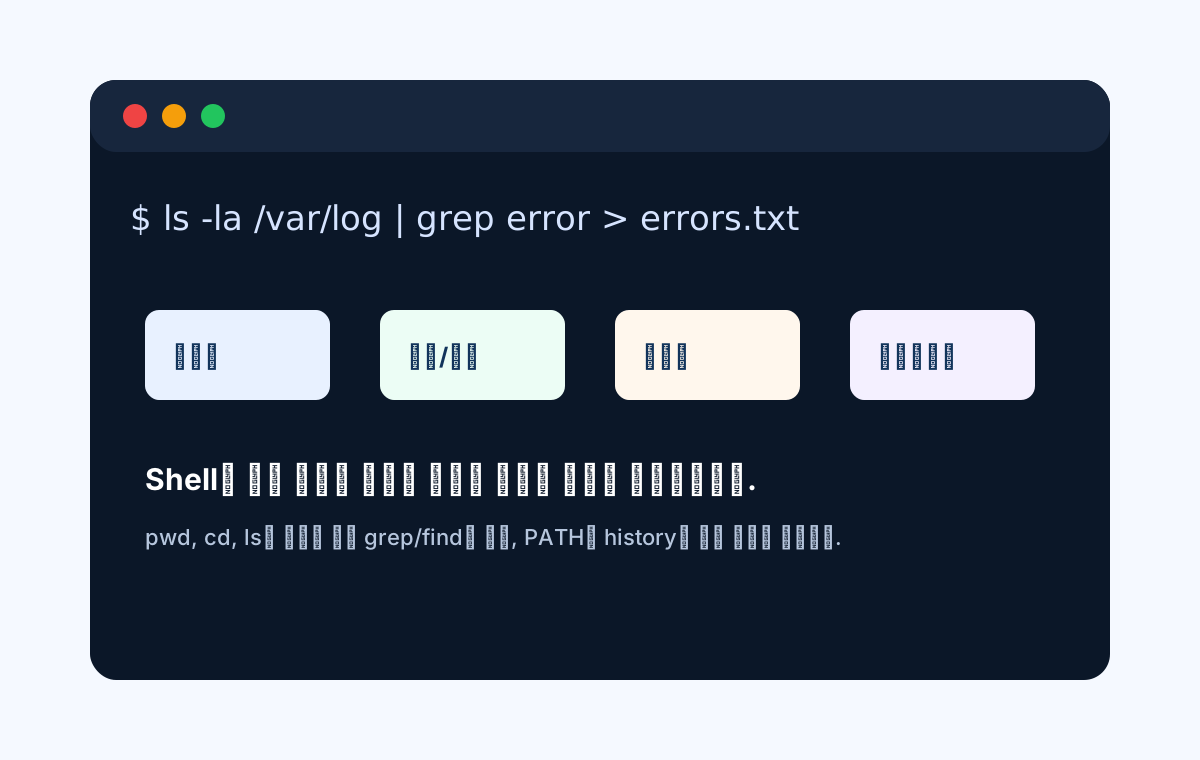
<title id="title">Linux shell commands</title>
|
||
|
|
<desc id="desc">A terminal style diagram showing command structure, pipes, redirects, grep, find, environment variables, and history.</desc>
|
||
|
|
<rect width="1200" height="760" fill="#f5f9ff"/>
|
||
|
|
<rect x="90" y="80" width="1020" height="600" rx="26" fill="#0b1728"/>
|
||
|
|
<rect x="90" y="80" width="1020" height="72" rx="26" fill="#17263d"/>
|
||
|
|
<circle cx="135" cy="116" r="12" fill="#ef4444"/>
|
||
|
|
<circle cx="174" cy="116" r="12" fill="#f59e0b"/>
|
||
|
|
<circle cx="213" cy="116" r="12" fill="#22c55e"/>
|
||
|
|
<text x="130" y="230" font-family="Cascadia Code, Consolas, monospace" font-size="34" fill="#d6e4ff">$ ls -la /var/log | grep error > errors.txt</text>
|
||
|
|
<g font-family="Segoe UI, Arial, sans-serif" font-size="24" font-weight="800">
|
||
|
|
<rect x="145" y="310" width="185" height="90" rx="14" fill="#e8f1ff"/>
|
||
|
|
<text x="172" y="365" fill="#12345b">명령어</text>
|
||
|
|
<rect x="380" y="310" width="185" height="90" rx="14" fill="#ecfdf5"/>
|
||
|
|
<text x="407" y="365" fill="#12345b">옵션/인자</text>
|
||
|
|
<rect x="615" y="310" width="185" height="90" rx="14" fill="#fff7ed"/>
|
||
|
|
<text x="642" y="365" fill="#12345b">파이프</text>
|
||
|
|
<rect x="850" y="310" width="185" height="90" rx="14" fill="#f4f0ff"/>
|
||
|
|
<text x="877" y="365" fill="#12345b">리다이렉트</text>
|
||
|
|
</g>
|
||
|
|
<text x="145" y="490" font-family="Segoe UI, Arial, sans-serif" font-size="30" font-weight="800" fill="#ffffff">Shell은 작은 명령을 조합해 원하는 결과를 만드는 작업대입니다.</text>
|
||
|
|
<text x="145" y="545" font-family="Segoe UI, Arial, sans-serif" font-size="22" fill="#b6c6dd">pwd, cd, ls로 위치를 잡고 grep/find로 찾고, PATH와 history로 반복 작업을 줄입니다.</text>
|
||
|
|
</svg>
|